Introduction
After hearing from some guys, that it is not possible to read content from two different Webcenter Content Servers with one Webcenter Portal application, I got a little suspicious and wanted to proof that this statement is not correct.The best way to proof this, was by creating a simple WCP application, which contains two ContentPresentors, that read documents from two different WCC Servers.
Abstract Architecture

Implementing the PoC
Prerequesites
- Setup 2 WCC Servers
- Setup 1 JDevelooper with the WCP extension
- The WCP application wll run on the Integrated Weblogic of the JDeveloper
Setup WCC Server
- Setup two default WCC Servers by following the Oracle documentation
- Enable the Folders_g component. This is needed to make the Content Presenter work
- Upload a sample txt file with some content to each of the two WCC servers. The content-id has to be set to TXT_TEST

Create WCP application
- Open JDeveloper and create a standard WCP application by using the wizzard from JDeveloper
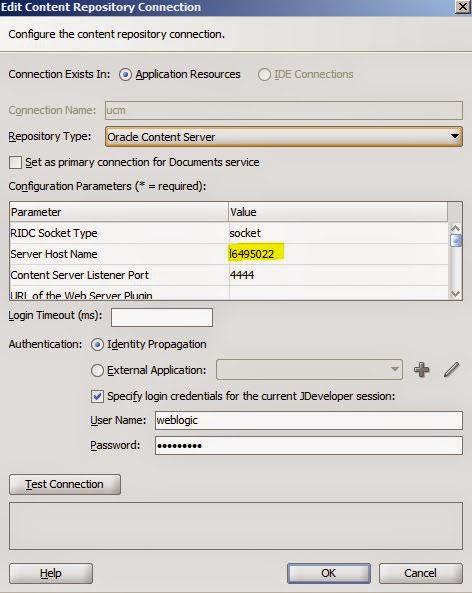
- Create two Content Repository connections. One connection for each WCC server. I called the connections wcc and ucm.

- Setup each connection to point to one of the two WCC servers
- Open the home.jspx file, wihch has been created by default, when the WCP project has been created

- Go to the Resource palette and ...

- ...drag and drop the ContentPresneter into the home.jspx page twice

- Go to the pagedef of home.jspx and make adjustments to the parameters of the content presenter. The yellow highlighted part of the picture is pointing to the WCC connection that should be used.

Test
After starting the application you can see in the browser that both files, which come from two different WCC servers are being displayed correctly by using the ContentPresenter.
